⚡ Quick Verdict
Bottom Line: Matter Multi-Admin lets you add the same smart device to Apple Home, Google Home, Alexa, and Home Assistant — simultaneously. No device swapping, no factory resets. It works right now, but you need a Matter-certified hub in each ecosystem and a compatible device.
Best For: Households with mixed ecosystems, families where one person uses Siri and another uses Alexa, or anyone who wants maximum voice assistant flexibility.
Skip If: You only use one smart home platform — Multi-Admin adds complexity without benefit for single-ecosystem homes.
What Is Matter Multi-Admin? (Plain English)
When Matter launched in 2022, its most exciting promise was simple: one device, every ecosystem. Before Matter, a smart plug that worked with Apple Home had no way to also join Google Home — you had to pick one and stick with it. Multi-Admin changed that entirely.
In Matter terminology, each ecosystem you add a device to creates a separate fabric — think of it as a secure digital handshake between the device and the platform. Multi-Admin means a single Matter device can maintain simultaneous, independent connections to multiple fabrics at once. Your Eve Energy smart plug can take commands from Siri, Google Assistant, and Alexa at the same time, with no conflicts.
The technical term is multi-fabric commissioning, but for everyday use, “Multi-Admin” (or “Multi-Controller”) is what you’ll see in device apps and setup screens. Here’s what makes it different from older multi-platform approaches:
- The device runs locally in each ecosystem — no cloud relay
- Each ecosystem controls the device independently — automations in Google Home don’t interfere with Alexa routines
- Removing the device from one ecosystem doesn’t affect the others
- Works over Wi-Fi and Thread (not Bluetooth or Zigbee bridges)
💡 Pro Tip: Multi-Admin is a device-level feature — not all Matter devices support it, even if they carry the Matter logo. Always check that the manufacturer explicitly lists “Multi-Admin” or “Works with multiple ecosystems” in the specs before buying.
Which Ecosystems Support Matter Multi-Admin?
As of 2026, all four major ecosystems support adding Matter devices as a second (or third) controller:
| Ecosystem | Multi-Admin Support | Required Hub | Notes |
|---|---|---|---|
| 🍎 Apple Home | ✅ Full support | HomePod, Apple TV 4K, iPad (home hub) | Can be first or second fabric |
| 🟦 Google Home | ✅ Full support | Nest Hub 2nd Gen, Nest Hub Max, Nest WiFi Pro | Requires Google Home app (not older Google Home devices) |
| 🟠 Amazon Alexa | ✅ Full support | Echo 4th Gen, Echo Hub, Echo Show 10/15 | Echo 3rd Gen does NOT support Thread/Matter hub role |
| 🏠 Home Assistant | ✅ Full support | Home Assistant server with Matter integration | Best flexibility; advanced automations |
| ⚙️ Samsung SmartThings | ✅ Full support | SmartThings Station, SmartThings Hub v3 | Good for Samsung/LG appliance households |
Before You Start: Prerequisites Checklist
Multi-Admin works seamlessly when your setup meets these requirements. Verify each item before trying to add a device to a second ecosystem:
- ✅ Matter-compatible device — look for the Matter logo on the box or in the spec sheet
- ✅ Device explicitly supports Multi-Admin — check manufacturer specs (Eve, Nanoleaf, IKEA DIRIGERA accessories all confirmed)
- ✅ A Matter-certified hub in each target ecosystem — see table above
- ✅ Each ecosystem app updated to latest version — older Google Home or Alexa app versions have Multi-Admin bugs
- ✅ Device already commissioned to at least one ecosystem — you must add it somewhere first, then share to others
- ✅ Same Wi-Fi network for Wi-Fi Matter devices (Thread devices need only a Thread Border Router in each ecosystem)
Step-by-Step: Add a Matter Device to Multiple Ecosystems
The process is the same regardless of which ecosystems you’re combining. You commission to the first ecosystem normally, then use the device’s sharing mechanism to add it to a second.
Step 1 — Commission to Your Primary Ecosystem
Start by adding the device to whichever ecosystem you use most. This is a normal Matter commissioning process: open the ecosystem’s app, tap “Add Device” or “Add Accessory”, scan the QR code on the device or its manual, and follow on-screen prompts. After a minute or two, the device is fully commissioned to ecosystem #1.
Step 2 — Generate a Pairing Code for the Second Ecosystem
This is the key Multi-Admin step. In the device’s manufacturer app (or your primary ecosystem app if it supports sharing), find the option to share the device or generate a new pairing code. This is different from the original setup QR code — it’s a time-limited code that grants a second ecosystem access without resetting the device.
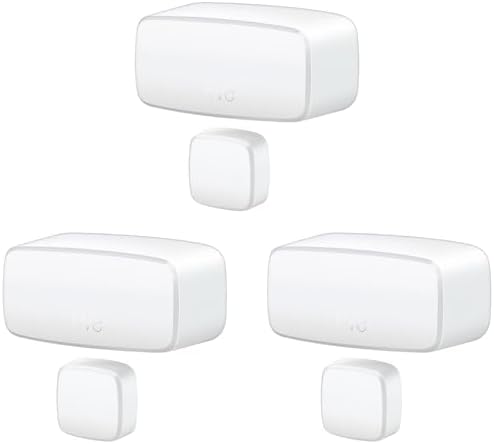
Eve Door & Window (Matter) — one of the best examples of Multi-Admin done right. In the Eve app: go to the device → Settings → Add to Another Home → Share. A 12-digit code appears, valid for 5 minutes. Enter this code in Apple Home, Google Home, or Alexa to add it as a second controller.
Step 3 — Commission to the Second Ecosystem Using the Sharing Code
Open the second ecosystem’s app and start the “Add Device” flow. When prompted for a QR code or setup code, manually enter the sharing code generated in Step 2. Do not scan the original device QR code — that would attempt a fresh commissioning and may fail because the device is already on another fabric.
The second ecosystem will recognize it as a Multi-Admin join and commission the device to its fabric without a factory reset. The device now appears in both apps simultaneously.
Step 4 — Verify in Both Apps
Open both ecosystem apps and confirm the device shows as online and controllable in each. Test commands from both sides — toggling from Apple Home should work, and toggling from Alexa should also work, independently. Automations set in either ecosystem operate separately.
Ecosystem-Specific Tips
🍎 Adding a Second Ecosystem to an Apple Home Device
- In the Home app, open the device → Settings (gear icon) → Turn on “Allow Third-Party Sharing”
- A QR code / numeric code will appear — use this in Google Home or Alexa’s Add Device flow
- Apple Home must have a home hub (HomePod, Apple TV 4K) active or sharing may be blocked
🟦 Adding a Second Ecosystem to a Google Home Device
- Google Home doesn’t currently expose a sharing UI directly — use the manufacturer’s app to generate a new code, then add in Google Home
- Alternatively, commission to Google Home first, then use Google Home app → device → Settings → “Link to another service” (appears on supported devices)
🟠 Adding a Second Ecosystem to an Alexa Device
- In the Alexa app: Devices → [device name] → Settings → “Share with other services” (Matter devices only)
- Use the code shown in your primary ecosystem’s app or manufacturer app
- Echo Hub has the most reliable Multi-Admin support in Amazon’s lineup
Best Matter Devices for Multi-Admin (2026)
Not every Matter device enables all fabrics equally well. These devices have been reported by user communities to have solid Multi-Admin support across all major ecosystems:
Apple HomePod Mini
The go-to Apple Home hub. Thread Border Router built in. Lets you share Matter devices to Google Home or Alexa easily via Home app sharing.
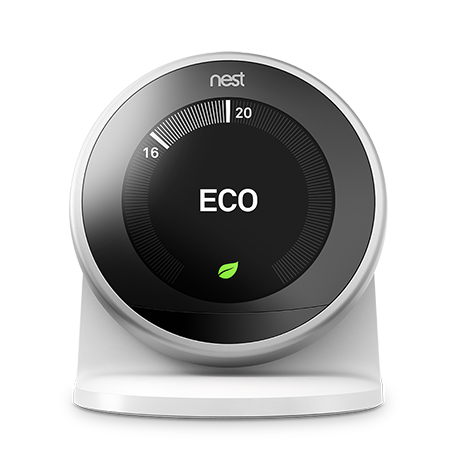
Google Nest Hub 2nd Gen
Best Google Home Matter hub. Thread Border Router included. Reliable Multi-Admin commissioning as a second or third fabric on most Matter devices.
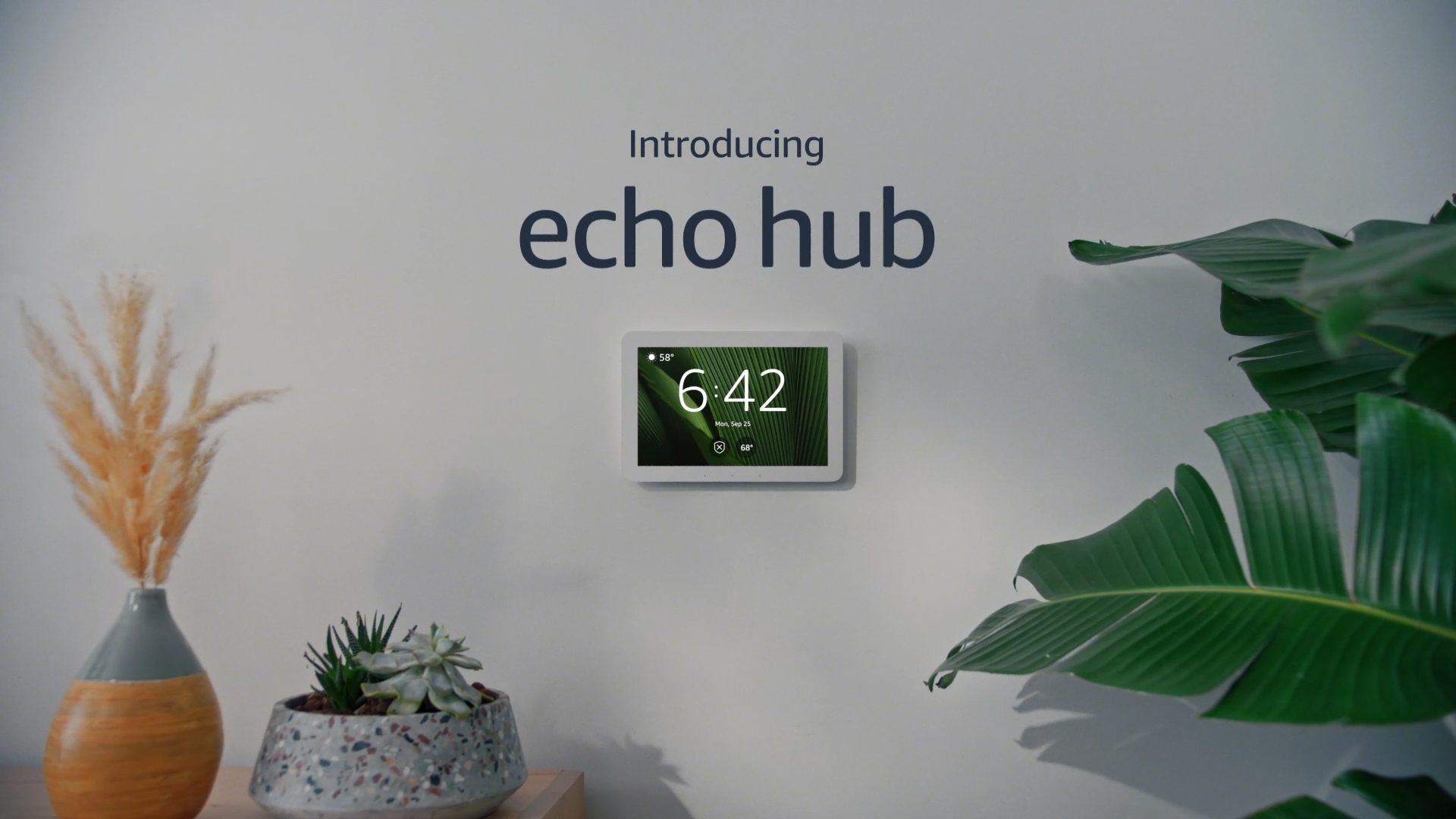
Amazon Echo (4th Gen)
Amazon’s flagship Matter hub. Thread Border Router built in. Works well as a secondary fabric — Alexa app now properly handles Multi-Admin device discovery.
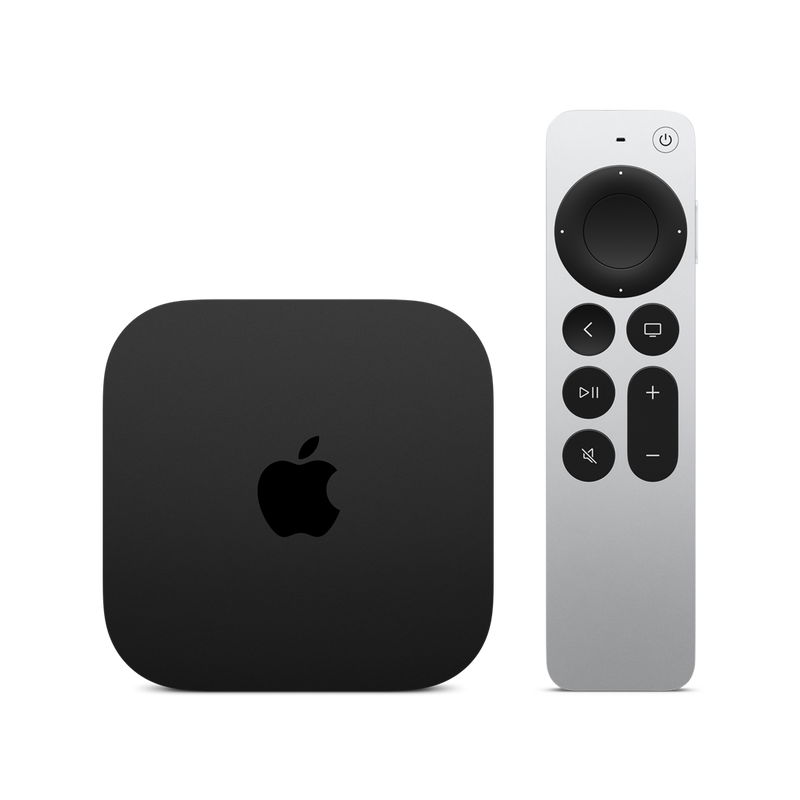
Apple TV 4K (3rd Gen)
If you already have an Apple TV 4K, it doubles as a full Matter home hub and Thread Border Router. Excellent Multi-Admin sharing compatibility.
Known Limitations of Matter Multi-Admin
Multi-Admin is powerful but not magic. Be aware of these real-world limitations before relying on it:
- Maximum fabric limit: Most Matter devices support 5 fabrics. You can join up to 5 ecosystems — plenty for most homes.
- Automations don’t sync across fabrics: An automation in Google Home has no knowledge of your Apple Home automations. They run in parallel.
- Device renaming doesn’t sync: If you rename the device “Kitchen Plug” in Apple Home, Alexa still sees whatever name it was given when added to Alexa’s fabric.
- Scenes and groups don’t transfer: Each ecosystem maintains its own groups and scenes independently.
- Some features are ecosystem-exclusive: Adaptive Lighting in Apple Home won’t appear in Alexa even if both fabrics are active.
- Wi-Fi devices need the same network: If your Google Home devices and Apple Home devices are on different VLANs or SSIDs, Multi-Admin commissioning may fail.
Troubleshooting Multi-Admin Issues
“Device Already Exists” Error When Adding to Second Ecosystem
This usually means you scanned the original factory QR code instead of generating a new sharing code. Factory QR codes can only be used for the first commissioning. Go to the device’s app or your primary ecosystem’s sharing menu and generate a fresh 12-digit code.
Sharing Code Expired
Multi-Admin codes are time-limited — typically 3–5 minutes. If you see “Code expired” or “Invalid code,” generate a new one and immediately proceed to the second ecosystem’s Add Device flow. Have both apps open and ready before generating the code.
Device Shows Offline in One Ecosystem but Not Another
Each fabric connects independently. If a device is offline in Alexa but online in Apple Home, check that your Echo hub can reach the device on your network. Thread devices need a Thread Border Router in every ecosystem to maintain a local connection — if your Echo (4th Gen) is offline or out of range, its fabric loses contact even if HomePod Mini’s fabric is fine.
Device Disappeared from One Ecosystem After Removing from Another
This shouldn’t happen — removing from one fabric shouldn’t affect others. If it does, it’s a bug in the ecosystem app. Re-add using a new sharing code from the device’s manufacturer app. According to verified user reports on r/homeassistant and r/smarthome, this has been mostly resolved in 2025-2026 app updates.
💡 Pro Tip: If Multi-Admin commissioning keeps failing, try commissioning the device to the new ecosystem from a phone on the same Wi-Fi network as the device — not from a tablet or phone on a different VLAN or guest network. Network isolation is the #1 silent cause of Multi-Admin failures.
Frequently Asked Questions
Can I add the same Matter device to Apple Home AND Google Home at the same time?
Yes — that’s exactly what Matter Multi-Admin is designed for. Both ecosystems maintain independent, simultaneous connections to the device. You can control it with Siri and Google Assistant without any conflict.
Do I need to factory reset a device to add it to a second ecosystem?
No. Multi-Admin adds the device to a new fabric using a fresh sharing code, without a factory reset. Factory resetting removes all fabrics, so avoid it unless you’re starting completely over.
Does Multi-Admin work with Thread devices?
Yes. Thread Matter devices can be on multiple fabrics. Each ecosystem needs its own Thread Border Router (HomePod Mini for Apple Home, Nest Hub 2nd Gen for Google Home, Echo 4th Gen for Alexa) to maintain a local Thread connection to the device.
How many ecosystems can one Matter device join?
Most Matter devices support up to 5 simultaneous fabrics (ecosystems). This is a device hardware limit, not a software restriction.
Can Home Assistant be one of the ecosystems?
Yes. Home Assistant with the Matter integration can be added as a fabric to any Multi-Admin-capable Matter device. It’s especially popular as a fabric alongside Apple Home, giving users both simple Siri control and advanced Home Assistant automations.
What if the sharing code doesn’t work?
Common reasons: the code expired (generate a new one), you used the factory QR code (must use the app-generated sharing code), or your phone’s network doesn’t have mDNS/IPv6 access to the device. See our guide: Router Blocking Matter Devices — Fix.
Can I remove a device from one ecosystem without affecting others?
Yes. Removing a device from one ecosystem’s fabric (e.g., deleting from Alexa) only removes that specific fabric. The device remains fully functional in Apple Home and Google Home.