⚡ Quick Verdict
Bottom Line: A Thread Border Router is a device that connects your Matter smart home devices to your Wi-Fi network. Without one, Thread-based Matter devices simply won’t work. The good news: you probably already own one — Amazon Echo (4th Gen), Apple HomePod mini, Apple TV 4K, or Google Nest Hub (2nd Gen) all include a built-in Thread Border Router.
Best For: Anyone setting up Matter smart home devices for the first time or troubleshooting Thread connectivity issues.
Skip If: All your Matter devices connect via Wi-Fi directly — Thread Border Routers are only needed for Thread-protocol devices.
What Is a Thread Border Router?
If you’ve been researching Matter smart home devices, you’ve likely come across the term Thread Border Router — and wondered why it matters and whether you need one. This guide breaks it down clearly.
A Thread Border Router is a device that acts as a bridge between your Thread mesh network and your standard IP network (your home Wi-Fi or Ethernet). Think of it as a translator: Thread devices speak their own low-power wireless language, and the Thread Border Router translates that language into standard internet protocol (IP) so your phone, apps, and smart home hubs can communicate with them.
Without a Thread Border Router in your home, any Thread-based Matter device — like an Eve Energy smart plug, Nanoleaf light, or Aqara sensor — simply cannot connect to your smart home system. It’s not optional; it’s a fundamental requirement.
Thread vs. Wi-Fi Matter Devices: What’s the Difference?
Not all Matter devices use Thread. Matter supports three underlying wireless protocols:
- Wi-Fi: Higher power consumption, connects directly to your router — like most smart plugs and cameras.
- Thread: Ultra-low power mesh protocol — ideal for sensors, door locks, lights, and battery-powered devices.
- Ethernet: Wired connection for smart home hubs.
If your Matter device uses Thread (check the product spec sheet — it will say “Thread” under connectivity), you must have a Thread Border Router. Wi-Fi Matter devices do not need one.
How Thread Border Routers Work
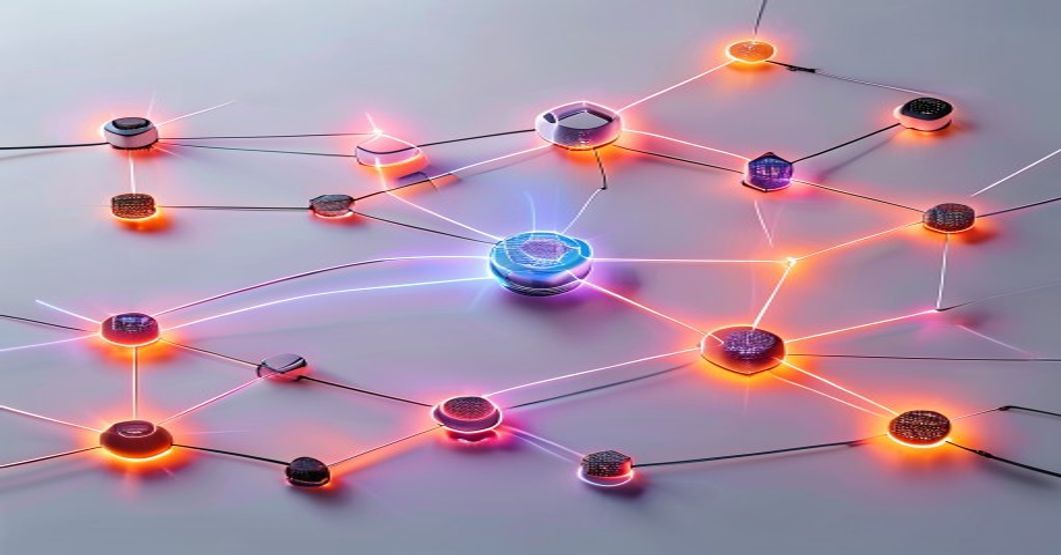
Thread is a mesh networking protocol designed for reliability and low power. Here’s what happens in your home when a Thread Border Router is active:
- Thread devices form a mesh: Each Thread device (lock, sensor, bulb) communicates with other Thread devices nearby, creating a resilient self-healing mesh network.
- The Thread Border Router bridges the mesh: The Border Router translates between the Thread mesh and your home IP network, giving every Thread device a routable IP address.
- Your smart home hub talks to devices: Apple Home, Google Home, Amazon Alexa, or SmartThings communicates with Thread devices through the Border Router as if they were standard Wi-Fi devices.
- Matter handles the app layer: Matter protocol sits on top of Thread, ensuring all devices speak the same language regardless of brand.
This architecture gives Thread devices remarkable reliability — if one node goes down, the mesh reroutes automatically. It also means battery-powered devices can run for months or years without replacement.
Best Thread Border Router Devices (2026)
Here are the most reliable Thread Border Router options available today. All of these are Matter-compatible and include a built-in Thread Border Router.
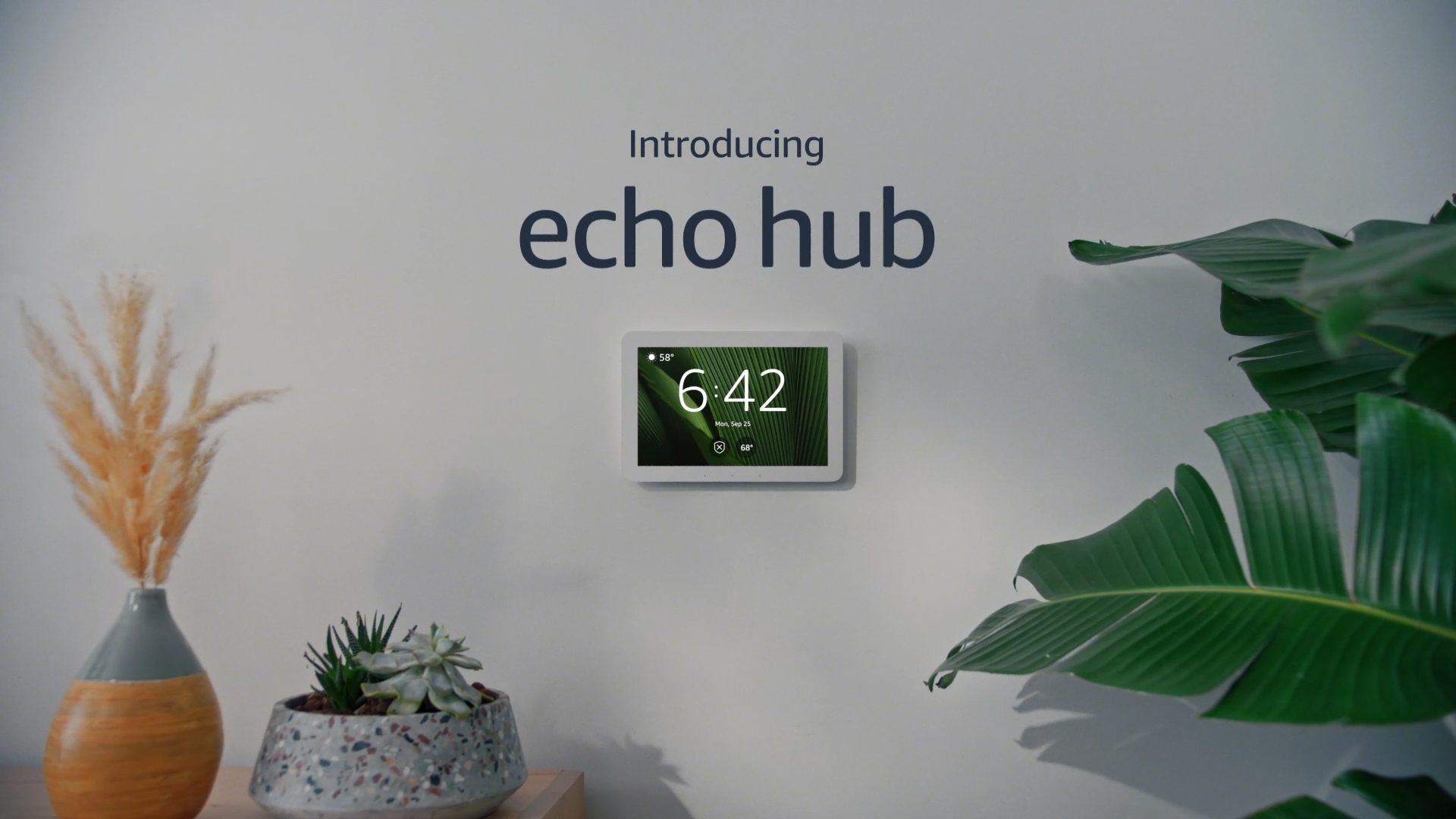
🏆 Amazon Echo (4th Gen) — Best Overall
The Amazon Echo 4th Generation is one of the most widely available Thread Border Routers. It doubles as a smart speaker with Alexa, and its Thread support is fully automatic — no configuration needed. Just plug it in and it starts acting as a Thread Border Router for all compatible devices.
- Thread: ✅ Built-in Thread Border Router
- Matter: ✅ Full Matter controller support via Alexa app
- Smart Home Apps: Amazon Alexa
- Best For: Alexa users, anyone new to Thread
🥇 Apple HomePod mini — Best for Apple Home Users
The Apple HomePod mini is Apple’s most affordable smart speaker and includes a full Thread Border Router. It serves as a HomeKit hub, Matter controller, and Thread Border Router simultaneously. For Apple Home users, this is the recommended choice — compact, energy-efficient, and always up to date via automatic software updates.
- Thread: ✅ Built-in Thread Border Router
- Matter: ✅ Full Matter controller support via Apple Home
- Smart Home Apps: Apple Home
- Best For: iPhone and Apple ecosystem users
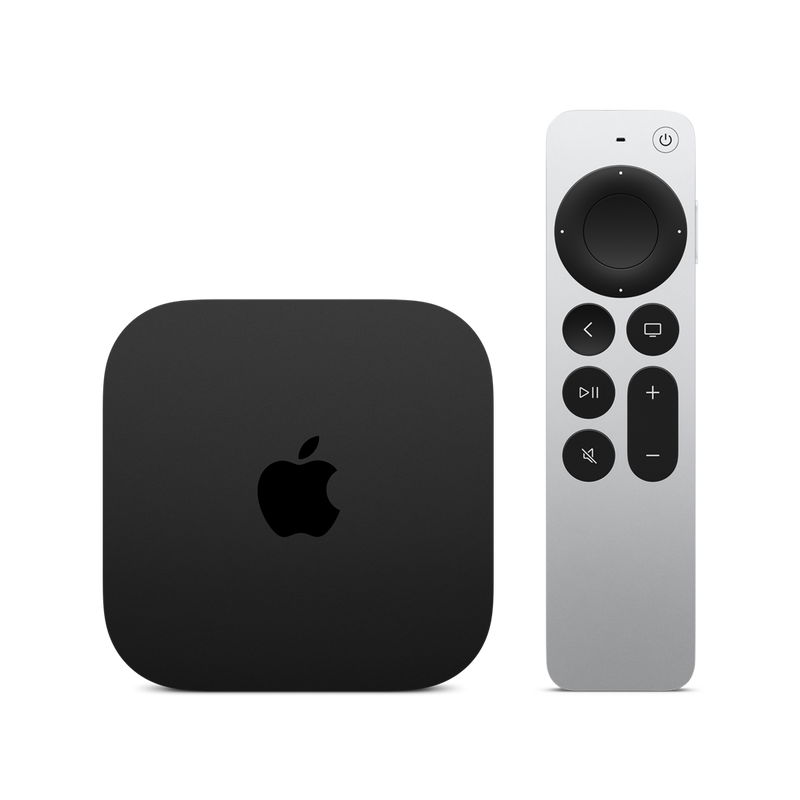
🥈 Apple TV 4K (2nd & 3rd Gen) — Best for Apple Home + Media
If you already have an Apple TV 4K (2nd generation or newer), you have a Thread Border Router. Apple TV 4K supports Thread and acts as an Apple Home hub, making it a two-in-one solution for Apple users who also want a 4K streaming device. Note: The 1st generation Apple TV 4K does not support Thread.
- Thread: ✅ Built-in Thread Border Router (2nd Gen+)
- Matter: ✅ Full Matter controller support via Apple Home
- Smart Home Apps: Apple Home
- Best For: Apple users who want a media streamer + smart home hub combo
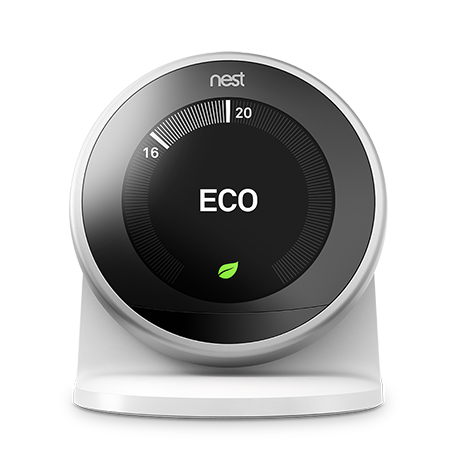
🥈 Google Nest Hub (2nd Gen) — Best for Google Home Users
The Google Nest Hub 2nd Generation includes a Thread radio and was one of the first mainstream devices to support Thread Border Router functionality. It works as a Google Home hub and Matter controller, making it ideal for Android and Google ecosystem users. Note: the original Nest Hub (1st Gen) does not include Thread support.
- Thread: ✅ Built-in Thread Border Router
- Matter: ✅ Full Matter controller support via Google Home
- Smart Home Apps: Google Home
- Best For: Android users and Google Home ecosystem
🥉 Samsung SmartThings Station — Best for SmartThings Users
The Samsung SmartThings Station is a dedicated smart home hub that includes Thread Border Router support along with Zigbee and Z-Wave. It’s the best choice for users who want a true multi-protocol hub that can manage Thread, Zigbee, and Z-Wave devices all from one platform. It also doubles as a wireless charger for Samsung devices.
- Thread: ✅ Built-in Thread Border Router
- Matter: ✅ Full Matter controller support via SmartThings app
- Smart Home Apps: Samsung SmartThings
- Best For: Samsung ecosystem users, Zigbee/Z-Wave users upgrading to Matter
📡 Amazon eero Pro 6E — Best Router-Based Thread Border Router
The Amazon eero Pro 6E (and several other eero models) include a built-in Thread Border Router, making it unique among Wi-Fi routers. If you’re upgrading your router anyway, choosing an eero with Thread support means you eliminate the need for a separate hub device. Note: Thread support works with the eero app and requires no additional configuration.
- Thread: ✅ Built-in Thread Border Router
- Matter: ✅ Matter controller support via Amazon Alexa
- Smart Home Apps: Amazon Alexa, eero app
- Best For: Users who want Thread built into their router, minimal device clutter
Thread Border Router Comparison Table
| Device | Thread TBR | Matter | Smart Home App | Also Does |
|---|---|---|---|---|
| Amazon Echo (4th Gen) | ✅ | ✅ | Amazon Alexa | Smart speaker |
| Apple HomePod mini | ✅ | ✅ | Apple Home | Smart speaker, HomeKit hub |
| Apple TV 4K (2nd Gen+) | ✅ | ✅ | Apple Home | 4K streaming, HomeKit hub |
| Google Nest Hub (2nd Gen) | ✅ | ✅ | Google Home | Smart display, Google hub |
| Samsung SmartThings Station | ✅ | ✅ | SmartThings | Zigbee, Z-Wave, wireless charger |
| Amazon eero Pro 6E | ✅ | ✅ | Amazon Alexa | Wi-Fi 6E mesh router |
How to Set Up a Thread Border Router (Step-by-Step)
The good news: setting up a Thread Border Router requires almost no technical knowledge. In most cases, your Thread Border Router device sets itself up automatically once plugged in and added to your smart home app. Here’s what to do for each platform:
Apple Home (HomePod mini or Apple TV 4K)
- Plug in your HomePod mini or Apple TV 4K and power it on.
- Open the Home app on your iPhone or iPad.
- Follow the on-screen prompts to add the device as a Home Hub.
- Once added as a Home Hub, Thread Border Router functionality is active automatically.
- To verify: Go to Home app → Settings → Home Hubs & Bridges — your device should show as “Connected.”
- Now add your Thread-based Matter devices by scanning their QR code in the Home app.
Google Home (Google Nest Hub 2nd Gen)
- Plug in your Google Nest Hub (2nd Gen) and power it on.
- Open the Google Home app on your Android or iPhone.
- Tap + → Set up device → New device and follow the prompts.
- Once added to your home, Thread Border Router functionality is active automatically.
- Add your Thread-based Matter devices via Google Home app → + → Set up device → Matter device.
Amazon Alexa (Echo 4th Gen or eero Pro 6E)
- Plug in your Echo (4th Gen) or eero Pro 6E router.
- Open the Amazon Alexa app and add the device following the standard setup.
- Thread Border Router functionality activates automatically — no separate Thread setup required.
- Add Matter devices via Alexa app → Devices → + → Add Device → select your device type.
Samsung SmartThings (SmartThings Station)
- Plug in the SmartThings Station.
- Open the SmartThings app and tap + → Add Device.
- Select SmartThings Station and complete setup.
- Thread Border Router, Zigbee, and Z-Wave are all active automatically after setup.
- Add Matter devices via SmartThings app → + → Add Device → scan the QR code.
Do You Need More Than One Thread Border Router?
For most homes, one Thread Border Router is sufficient. Thread devices form a mesh network that extends coverage automatically as you add more Thread devices — so you don’t necessarily need multiple Border Routers.
However, for larger homes (over 2,000 sq ft) or homes with thick walls, adding a second Thread Border Router improves reliability. If you have both an Apple TV 4K and a HomePod mini, you automatically have two Thread Border Routers in your Apple Home setup — this is ideal.
Common Thread Border Router Problems & Fixes
Problem: Thread devices won’t pair even with a Border Router present
This is often a pairing window or network credential issue. See our full guides:
Problem: Thread Border Router shows as offline in app
- Unplug the device and plug it back in (power cycle).
- Check your Wi-Fi router — Thread Border Router needs a stable Wi-Fi connection.
- Make sure your router isn’t blocking mDNS or IPv6 traffic. See our guide: Router Blocking Matter Devices — Fix Guide.
Problem: Thread device works on one app but not another
This is a Thread Border Router ownership issue. Each platform (Apple, Google, Amazon) has its own Thread Border Router. Your Thread device can only connect through one Border Router at a time unless you use Matter multi-admin sharing. For cross-platform sharing, use the standard Matter commissioning flow in your second app.
Frequently Asked Questions
Do I need a Thread Border Router for all Matter devices?
No — only for Matter devices that use the Thread protocol. Wi-Fi-based Matter devices connect directly to your router. Check your device’s spec sheet: if it lists “Thread” under connectivity, you need a Thread Border Router. If it only lists “Wi-Fi,” you don’t.
Can I have multiple Thread Border Routers?
Yes, and in most cases this is beneficial. Multiple Thread Border Routers improve mesh reliability and coverage. Apple, Google, Amazon, and SmartThings each manage their own Thread network, so having one per ecosystem is a natural setup for multi-platform homes.
Is Thread the same as Zigbee?
No. Thread and Zigbee are both low-power mesh protocols, but they are not compatible with each other. Thread is IP-based (natively speaks internet protocol), while Zigbee requires a dedicated Zigbee hub to translate to IP. Thread was specifically designed for Matter compatibility. For a full comparison, see: Matter vs. Zigbee vs. Z-Wave — Full Comparison.
Does my Wi-Fi router need to support Thread?
No — your Wi-Fi router does not need to support Thread. Your Thread Border Router (Echo, HomePod mini, etc.) handles the translation between Thread and Wi-Fi. The only router requirement is that it doesn’t block mDNS or IPv6 traffic, which Thread needs to communicate. See our guide: Router Blocking Matter Devices — Fix Guide.
What’s the best Thread Border Router for a multi-ecosystem home?
The Amazon Echo (4th Gen) is the most universally compatible choice — Alexa supports Matter multi-admin, meaning you can share Thread devices with Apple Home, Google Home, or SmartThings from a single Echo. For a purely Apple home, the HomePod mini is the best choice.
Final Verdict
Thread Border Routers are the unsung heroes of the Matter smart home ecosystem. They require almost no setup — in most cases, you plug in your device (Echo, HomePod mini, Nest Hub, or SmartThings Station) and Thread just works.
If you’re building a new Matter smart home, our top recommendation is the Amazon Echo (4th Gen) for its broad compatibility, or the Apple HomePod mini if you’re in the Apple ecosystem. Both are affordable, reliable, and handle Thread automatically.